





AI-Powered Dashboard for Smarter WordPress Projects Management
Connect development, operations and analytics into a single intelligent dashboard inside WordPress. All DashAI WP transforms complex data across your projects into clear insights, helping your team ship faster, monitor smarter and deliver outstanding results.
- Built for real agency workflows
- AI summaries built into every section
- Designed for agencies managing multiple sites
Work Smarter with These Essential Tools
- Repository Intelligence
Monitor commit updates with AI-powered analysis that provides executive-level insights. Get narrative commit summaries with descriptive titles, purpose and impact explanations, change scale metrics, and actionable recommendations — making development activity clear to any team member.
- Repository Overview
- CI/CD monitoring
- AI-powered summaries
Advanced Analytics & Reporting
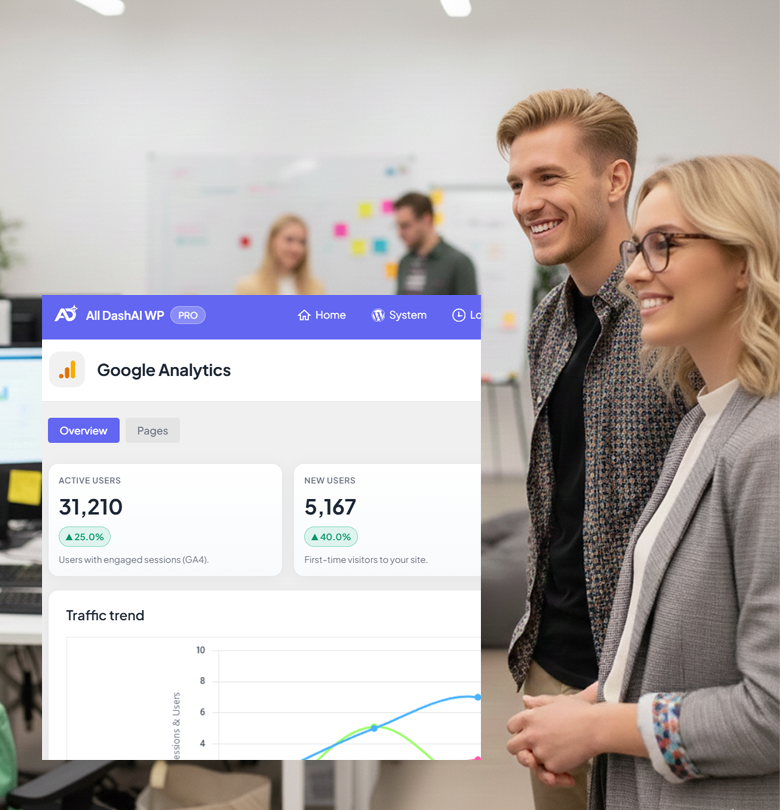
Unlock meaningful GA4 insights directly inside your workflow. Get strategic performance summaries, key signals on momentum and friction, page journey analysis, channel quality assessments, and prioritized recommendations—turning raw analytics into clear, actionable guidance.
AI-Driven Reports & Collaboration
Generate clear, actionable summaries and executive-level insights for your team or clients using real data. Get strategic reports covering system health, error patterns, commit insights, traffic performance, workflow analysis, and more — with PDF export to share findings across your organization.
All Assets in One Organized Space
Centralize all project resources in one organized hub. Access design files, repositories, documentation, cloud storage, communication tools, environments, and team contacts through categorized cards.
System Health Overview
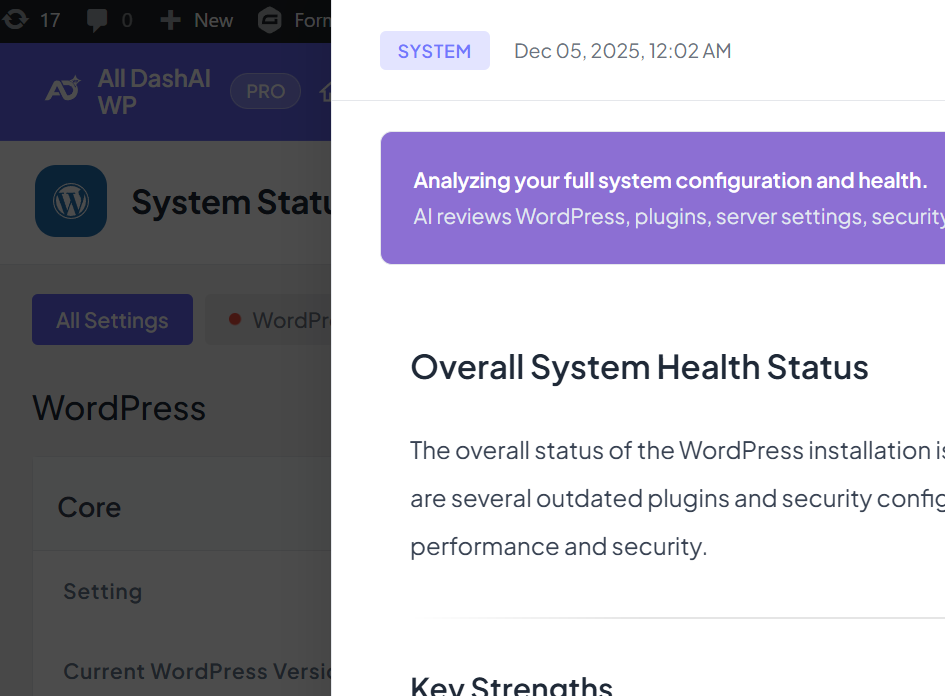
Get AI-powered system health analysis with status assessment, strengths and concerns identification, plugin ecosystem review, security configuration evaluation, and prioritized recommendations.
- Bring AI Intelligence to Your Jira Projects
Analyze your Jira issues with AI to get executive-level insights on workflow patterns, delivered work breakdowns, and priority recommendations.
Receive status overviews, work pattern analysis, completed work summaries, bottleneck identification, and actionable next steps.
For individual tickets, get narrative timelines and executive summaries that surface key decisions and required actions — keeping your team aligned and moving forward.
Step-by-Step How All DashAI WP Delivers Clarity
Connect Your Tools
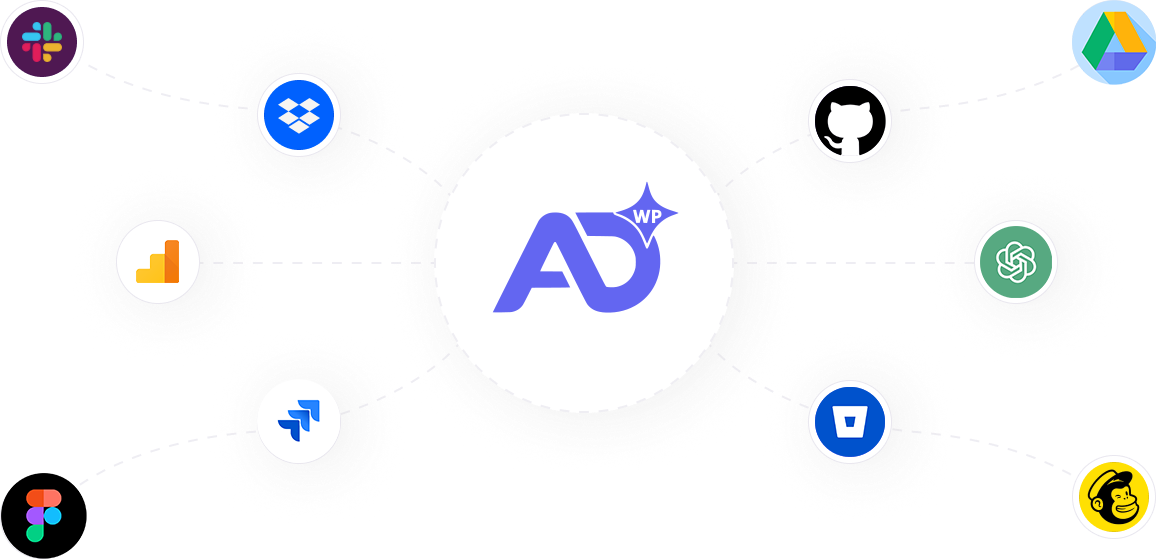
Link GitHub, Bitbucket, GA4, Jira, and OpenAI securely via OAuth or tokens. Configure in minutes.
Control Dashboard Visibility
Manage access with granular permissions by user, domain, or role. Control section-level access.
Share & Execute Faster
Export AI reports as PDF with white-label branding. Share insights with your team or clients.
Collaborate with Your Team
Enable team members with custom permissions. Share branded PDF reports.
Deliver AI Reports in 25+ Languages
Scale your workflow across regions with multilingual AI responses tailored to your clients or team. Choose from English, Portuguese, Spanish, French, German, Italian, Russian, Japanese, Korean, Chinese, Arabic, Hindi, and 17 more languages — all AI-generated content, including headings and recommendations, appears in your selected language.
Flexible Plans for Every Stage of Growth
Upgrade to All DashAI WP PRO for unlimited data, deeper AI insights, custom reports, CI/CD monitoring and advanced access control. Replace hours of manual comprehension with instant clarity — everything you need, consolidated in one intelligent dashboard.
Essential (03 Sites)
/year
Core modules with full functionality, ideal for freelancers managing a small number of client sites.
- Optimized AI streaming via All DashAI Cloud
- Unlimited commits with AI analysis
- Unlimited Jira tickets with AI insights
- GA4 analytics with custom date ranges
- 200 logs with AI analysis
- System insights powered by AI
- PDF export with white-label
- CI/CD monitoring (GitHub & Bitbucket)
- 29-language AI support
Professional (10 Sites)
Designed for growing agencies that need centralized visibility across multiple client sites.
- Optimized AI streaming via All DashAI Cloud
- Unlimited commits with AI analysis
- Unlimited Jira tickets with AI insights
- GA4 analytics with custom date ranges
- 200 logs with AI analysis
- System insights powered by AI
- PDF export with white-label
- CI/CD monitoring (GitHub & Bitbucket)
- 29-language AI support
Agency (30 Sites)
/year
Built for established agencies managing larger WordPress portfolios and requiring scale, visibility and control.
- Optimized AI streaming via All DashAI Cloud
- Unlimited commits with AI analysis
- Unlimited Jira tickets with AI insights
- GA4 analytics with custom date ranges
- 200 logs with AI analysis
- System insights powered by AI
- PDF export with white-label
- CI/CD monitoring (GitHub & Bitbucket)
- 29-language AI support
Built for WordPress Teams, Designed for Modern Workflows
A comprehensive WordPress dashboard that centralizes development, operations, and analytics intelligence. Transform scattered data from GitHub, Jira, GA4, and system logs into unified, actionable insights — all without leaving WordPress.
AI-Powered Features
AI-driven analysis transforms raw data into actionable insights. Get intelligent summaries for logs, commits, Jira tickets, and analytics — saving hours of manual analysis.
Executive-Level Insights
Get strategic reports that speak business language. AI translates technical data into executive summaries, making complex information accessible to stakeholders and decision-makers.
Granular Access Control
Manage team permissions with precision. Control access by user, email domain, or role — granting section-level permissions for logs, system, repository, Jira, analytics and more.
Intelligent Error Analysis
AI identifies root causes, not just symptoms. Get actionable fixes with priority levels, code snippets when needed, and validation steps to confirm resolution.
Workflow Intelligence
Understand project health at a glance. AI analyzes workflow patterns, identifies bottlenecks, tracks delivered work, and provides priority recommendations to keep teams aligned.
Why Teams Choose All DashAI WP


Powerful Integrations & Essential Tools Access
Frequently Asked Questions
Common questions about All DashAI WP, from setup and integrations to features and plans.
What is All DashAI WP and why do I need it?
Is All DashAI WP suitable for small teams?
Can I integrate All DashAI WP with tools I already use?
Yes. All DashAI WP integrates with GitHub, Bitbucket, Jira, Google Analytics 4, and OpenAI. You can connect via secure OAuth or manual tokens. All credentials are encrypted before storage, and OAuth tokens refresh automatically.
Can I limit access for clients or team members?
Yes. PRO plans include granular access control. You can manage permissions by user email, email domain, or role — granting section-level access to logs, system, repository, Jira, and analytics. Perfect for agencies sharing dashboards with clients or controlling team member access.
Can I customize reports with my company branding?
Yes. PRO plans include white-label PDF export, allowing you to add your logo, company colors, and branding to all exported reports. Perfect for agencies sharing insights with clients.